
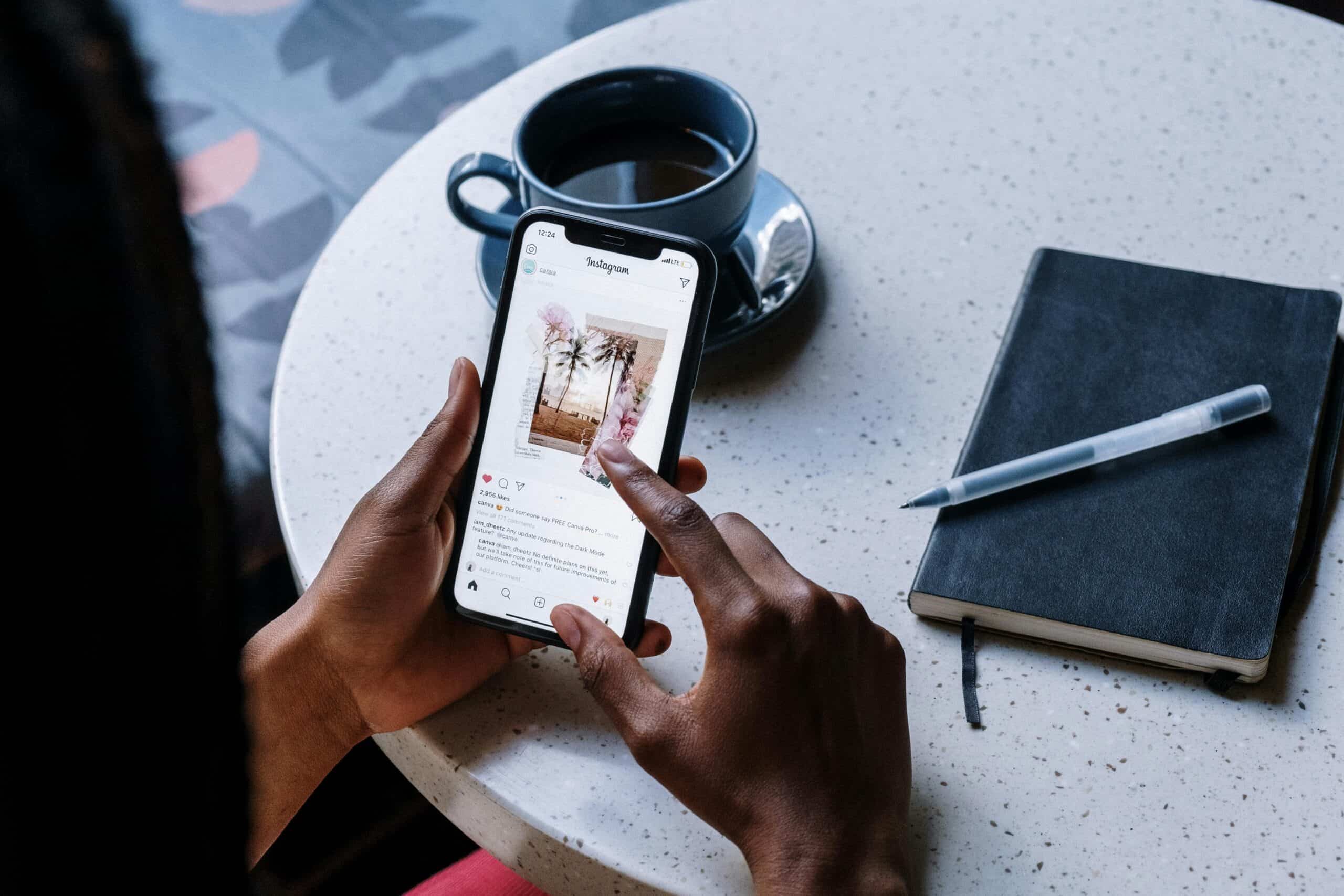
You open Instagram for a quick scroll, and suddenly there it is: a fake giveaway, a strange DM from a friend, a brand deal that sounds too easy, or a warning that your account will be deleted unless you verify it now.
That is why Instagram scams work. They feel casual, urgent, flattering, or official enough to make you react before you think. Since people shop, chat, follow creators, and click links on Instagram every day, scammers use the platform to steal money, passwords, verification codes, and even entire accounts.
Here is how to spot the most common Instagram scams and what to do before a fake message ruins your day.
What Are Instagram Scams?
Instagram scams are fake messages, accounts, ads, comments, posts, or offers designed to trick you into sharing money, login details, personal information, or account access.
They can appear through:
- Direct messages
- Comments
- Fake brand pages
- Fake giveaways
- Shopping posts
- Impersonator accounts
- Romance messages
- Crypto pitches
- Fake support pages
- Links in bios or Stories
Some scams look messy, but many look polished. Fake accounts may use stolen logos, clean photos, bought followers, and comments that seem real at first.
1. Instagram Phishing Scams
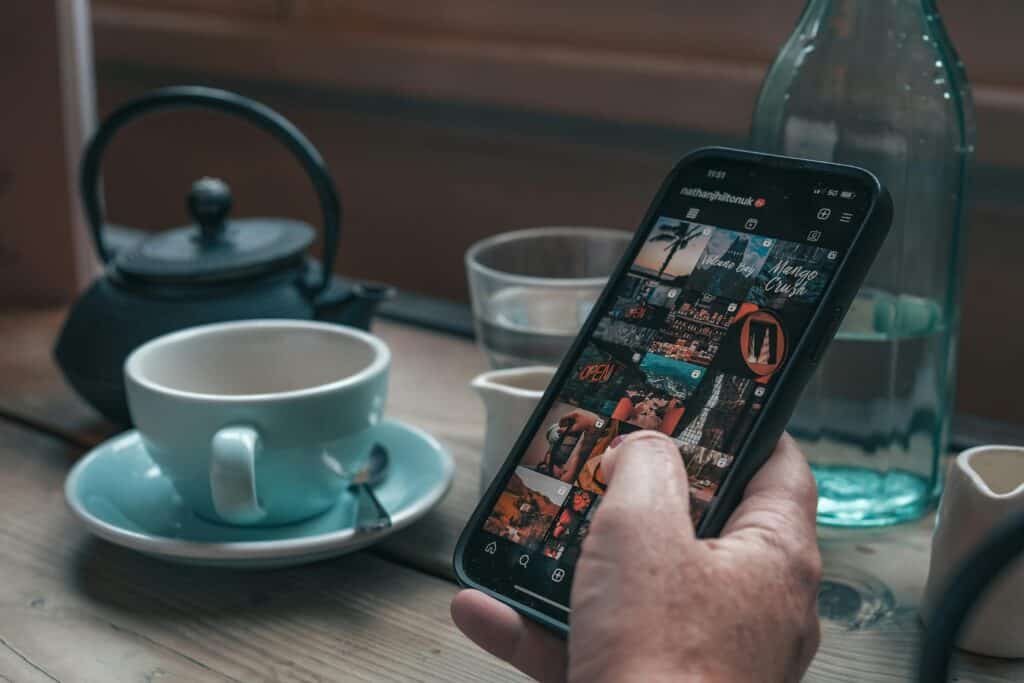
Phishing scams try to steal your username and password through fake login pages. The message may say your account violated rules, won verification, needs identity confirmation, or will be deleted soon.
Common scam lines include:
- “Your account will be suspended in 24 hours.”
- “You violated copyright rules. Appeal here.”
- “Confirm your identity to keep your account active.”
- “Your blue badge request was approved.”
- “Security alert. Someone reported your account.”
Do not use the link in the message. Open Instagram directly and check your notifications, Account Status, and security emails inside the app.
2. Fake Instagram Support Accounts
Scammers create accounts pretending to be Instagram support, Meta support, copyright teams, or security departments. They may DM you or comment under your posts.
Red flags include:
- The account is not officially verified.
- It asks for your password.
- It asks for a login code.
- It sends you to a strange form.
- The username has extra dots, numbers, or underscores.
- It uses threatening language.
Instagram support will not ask for your password in a DM. If a support account messages you first, treat it as fake.
3. Hacked Friend DM Scams
This scam feels real because it comes from someone you know. Their account may be hacked, and the scammer uses it to message their friends.
Common messages include:
- “Can you help me get back into my account?”
- “Send me the code you just received.”
- “Vote for me in this contest.”
- “I entered you in a giveaway.”
- “I need money fast. Please don’t call.”
If a friend asks for a code, money, or a strange favor, contact them outside Instagram before doing anything.
4. Verification Code Scams
Verification code scams can lock you out of your account quickly. The scammer tricks you into sharing a code sent to your phone or email.
They may say:
- “I accidentally sent my code to your number.”
- “Send me the 6-digit code so I can log in.”
- “Instagram needs the code to verify your page.”
- “Send the code to prove you are real.”
Never share a verification code. Not with a stranger, not with a friend’s account, and not with someone claiming to be support.
5. Fake Giveaway Scams
Fake giveaways promise cash, phones, sneakers, makeup, gift cards, trips, or luxury bags. They usually ask you to follow, tag friends, click a link, or pay a small fee to claim the prize.
Watch for:
- A huge prize from a new account
- Misspelled brand names
- Requests for shipping fees
- Card details through a random link
- Copied brand photos
- Fake-looking comments
- Urgent deadlines
A real giveaway should not ask for your password, verification code, or bank details.
6. Fake Brand Collaboration Scams
Creators, small influencers, artists, photographers, and beauty accounts often receive fake collaboration offers. These scams may appear as ambassador programs, sponsorships, or paid campaigns.
Common lines include:
- “We love your profile and want you as an ambassador.”
- “You only need to pay shipping.”
- “Buy the starter kit and earn commission.”
- “We will repost you to our 500K followers.”
Some offers are just overpriced products disguised as brand deals. Real brand collaborations should include clear terms, payment details, usage rights, and proper contact information.
7. Fake Shopping Scams
Fake Instagram stores use copied photos, low prices, and attractive ads to lure buyers. You pay for a product, but it never arrives, or you receive a cheap knockoff.
Red flags include:
- Prices far below normal
- No real customer service details
- No return policy
- Stolen product images
- Fake reviews
- Comments turned off
- Pressure like “only 3 left”
- No buyer-protected payment option
Before buying, search the brand outside Instagram and check whether the website looks complete and trustworthy.
8. Fake Investment and Crypto Scams
Investment scams often use luxury photos, fake profit screenshots, and big promises to look impressive.
Common claims include:
- “Turn $500 into $5,000 in 24 hours.”
- “Guaranteed returns.”
- “No risk.”
- “My students make money daily.”
- “Message me to learn crypto trading.”
No real investment guarantees fast money with no risk. If someone in your DMs promises easy profits, be extremely careful.
9. Romance Scams
Romance scams start with attention. A stranger likes your posts, replies to Stories, sends sweet messages, and slowly builds trust. Later, they create a crisis and ask for money.
They may claim:
- They work overseas.
- They cannot video chat.
- Their bank account is frozen.
- They need medical help.
- They want to visit but need money.
- They can teach you investing.
Once money, gift cards, crypto, or secrecy enters the conversation, step back.
10. Celebrity Impersonation Scams
Fake celebrity accounts message fans and claim the celebrity noticed them, wants to chat, is running a private fan club, or is offering VIP access.
Common signs include:
- The account is not verified.
- The username has extra letters or numbers.
- They ask for money, gift cards, or fees.
- They say the chat must stay secret.
- They ask for personal details.
Real celebrities do not need fans to pay random fees through DMs.
11. Fake Charity Scams
Scammers use emotional posts about disasters, medical emergencies, animals, children, or community crises to collect donations.
Red flags include:
- No clear organization name
- No verifiable details
- Payment going to a personal account
- Limited or deleted comments
- Changing stories
- Stolen photos
- Guilt-based pressure
If you want to donate, search for the organization separately and give through a verified channel.
12. Fake Job and Modeling Scams
Instagram job scams target people looking for remote work, side hustles, modeling gigs, or brand work.
Common messages include:
- “We are hiring remote assistants.”
- “Earn daily by liking posts.”
- “No experience needed.”
- “Pay a training fee first.”
- “Send your ID to confirm.”
- “Our agency wants to sign you.”
A real job or agency should not ask you to pay upfront, send sensitive documents immediately, or communicate only through Instagram DMs.
13. Fake Account Recovery Scams
If your account gets hacked, scammers may target you again by claiming they can recover it for a fee.
Common lines include:
- “I know someone who can recover your account.”
- “Message this hacker. He helped me.”
- “I can unlock your page in 10 minutes.”
- “Pay after recovery.”
Do not trust random recovery experts in comments or DMs. Use Instagram’s official recovery process.
14. Blackmail and Sextortion Scams
Some scammers use fear. They may claim they have private photos, hacked your phone, recorded you, or will send embarrassing content to your followers.
Do not send money, more photos, or more information. Save evidence, block the account, report it, and ask a trusted person or authority for help if needed.
15. Fake Profile Viewer and Follower Scams
Instagram does not let regular users see everyone who viewed their profile. Scammers use this curiosity to push fake apps, unsafe downloads, or login pages.
Common hooks include:
- “See who stalks your profile.”
- “Find out who screenshots your posts.”
- “Your secret viewers are waiting.”
- “Get 10K followers overnight.”
- “Pay for instant verification.”
These tools often steal login details or damage your account. Fake followers can also hurt creators and businesses by making audience quality look suspicious.
16. Fake Copyright and Business Warning Scams
Creators and business accounts often receive fake warnings about copyright strikes, ad invoices, shop restrictions, or billing problems.
Common wording includes:
- “Copyright infringement detected.”
- “Your account will be disabled.”
- “Appeal within 12 hours.”
- “Your ad account has an unpaid balance.”
- “Complete billing verification.”
Check account warnings and business tools directly inside Instagram or Meta. Do not use a link from a random DM.
What to Do If You Think an Instagram Message Is a Scam
Do not reply right away. Break the scammer’s rhythm.
Take these steps:
- Do not click the link.
- Do not share passwords, codes, or ID photos.
- Do not send money.
- Screenshot the message if needed.
- Report the account, message, post, or comment.
- Block the account.
- Check the real company or person through another channel.
- Warn friends if the message came from a hacked account.
- Change your password if you used a suspicious page.
- Turn on two-factor authentication.
The goal is not to argue with a scammer. The goal is to cut off access.
What to Do If Your Instagram Account Was Hacked
Move quickly, but do not panic.
Start here:
- Try to log in and change your password.
- Check your email for security messages from Instagram.
- Use Instagram’s hacked account recovery flow.
- Make sure your email and phone number are still correct.
- Remove unknown devices or linked accounts.
- Turn on two-factor authentication.
- Check your posts, DMs, bio links, and Stories.
- Tell friends not to click messages from your account.
- Change your email password too.
Your email account matters because it can be used to reset Instagram. Protect that first if you think the scammer got wider access.
How to Protect Your Instagram Account
A few simple habits make your account much safer:
- Use a strong password you do not use anywhere else.
- Turn on two-factor authentication.
- Keep your email and phone number updated.
- Review login activity.
- Remove suspicious third-party apps.
- Avoid logging in through links from DMs.
- Do not share login codes.
- Keep your phone software updated.
- Make your account private if you want fewer random messages.
For creators and small businesses, protect the email linked to your Instagram with two-factor authentication too.